
 PrizmikAca
 PrizmikFunc
 PrizmikApi
 PrizmikSwa
 PrizmikSuite


Manage your
Azure Web Apps
Stop juggling the Azure Portal, CLI, and Kudu. Manage deployments, configuration, logs, SSH, and more — from one lightweight desktop app with a built-in AI assistant.
A faster alternative to the Portal workflow. No browser tabs. No CLI flags.
Inspect, configure, and deploy —
one interface, plus AI
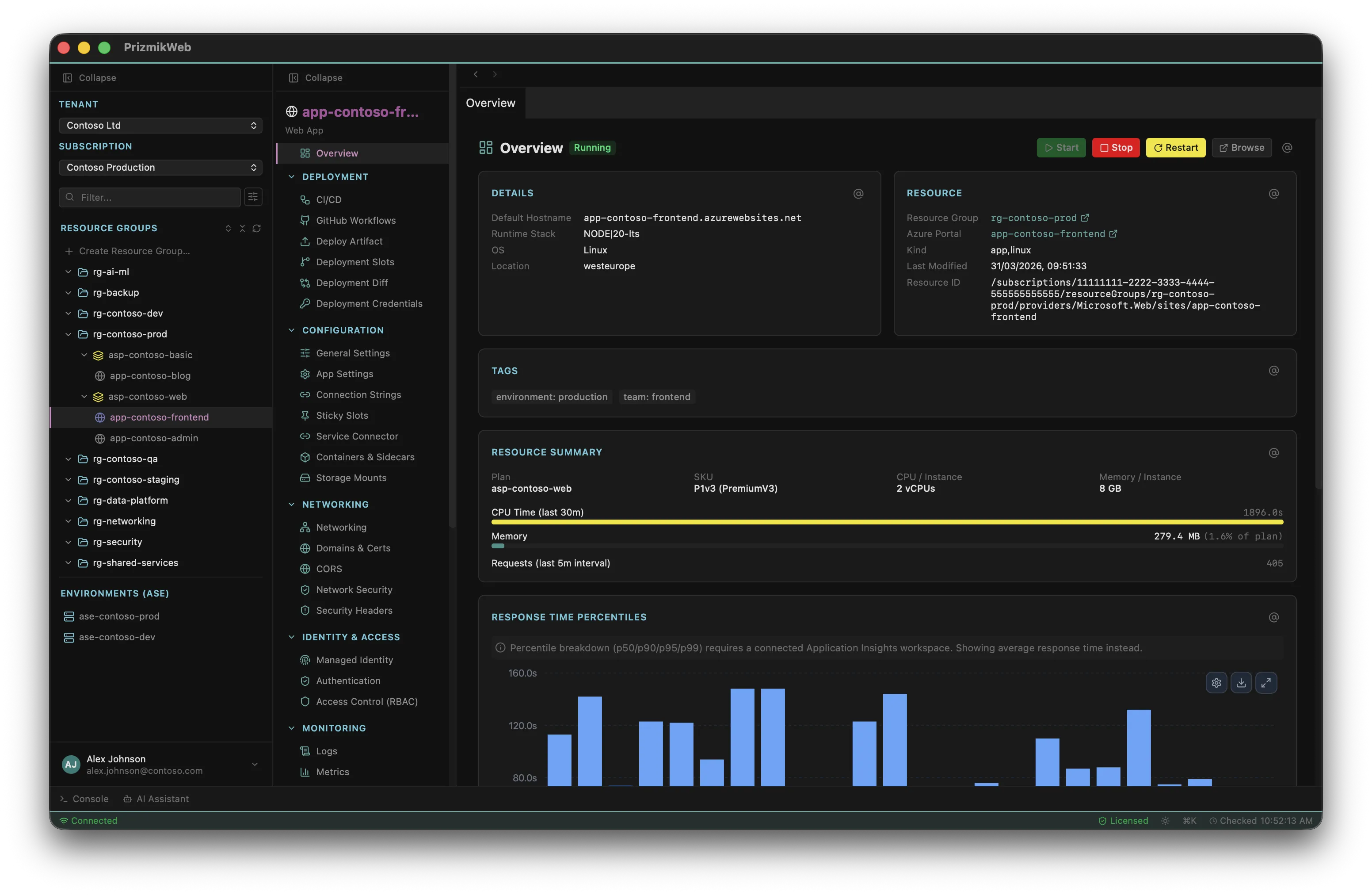
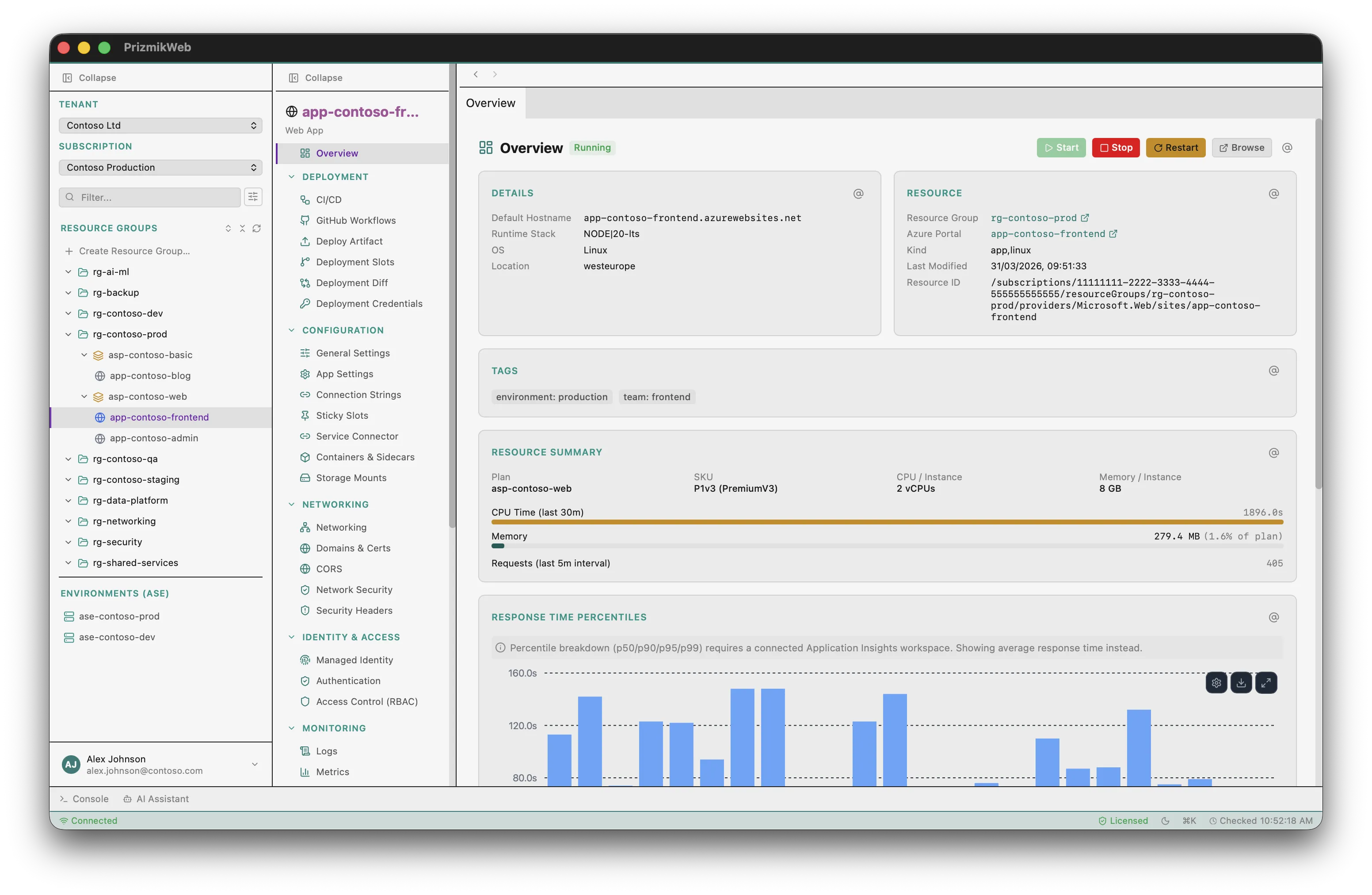
Stop switching between the Azure Portal, CLI sessions, and Kudu. PrizmikWeb lets you browse, configure, and manage your Web Apps from a single, fast desktop app — with a built-in AI assistant that can troubleshoot alongside you.
Built-in AI assistant —
context-aware, agentic
PrizmikWeb includes a built-in AI assistant that sees your currently selected web app, deployment slot, subscription, and panel — so when you ask "Why is my app returning 503?", it already has the context to investigate. It can query your Azure resources, check logs, inspect configuration, and explain what it finds — all in natural language.
- Context-aware — knows your current app, slot, subscription & panel
- Agentic tool use — queries your Azure resources to answer questions
- 6 providers — OpenAI, Anthropic, Google, Mistral, DeepSeek, Cohere
- Streaming responses with markdown rendering
- Open instantly with ⌘J or from the command palette
- Your API key stays on your machine — never sent to us
Available with a Commercial License. Most LLM providers offer free tiers or pay-as-you-go pricing.
"Why is my deployment failing?" — the assistant already knows which app and slot you're looking at. It can pull deployment logs, check app settings, and diagnose the issue for you.
The AI doesn't just chat — it can call Azure CLI commands on your behalf. List deployments, check configuration, query logs, manage settings, and summarize everything in plain language.
Your API key is stored locally on your machine. Conversations go directly from your desktop to your chosen LLM provider — we never see your data or your key.
Your entire App Service estate —
one sidebar, one ⌘K
Move through all your Azure Web Apps from a single sidebar. Switch tenants and subscriptions, browse resource groups, and jump to any panel with ⌘K. No browser tabs. No CLI windows. Just a fast, keyboard-driven desktop app.
- Command palette — fuzzy search across apps, panels & actions
- Sidebar tree with resource groups & multi-tenant support
- Keyboard shortcuts for every action (⌘1–9 tabs, ⌘R refresh, ⌘T console)
- Configurable dashboard with key app details
Stream, query, and export logs —
without opening Log Analytics
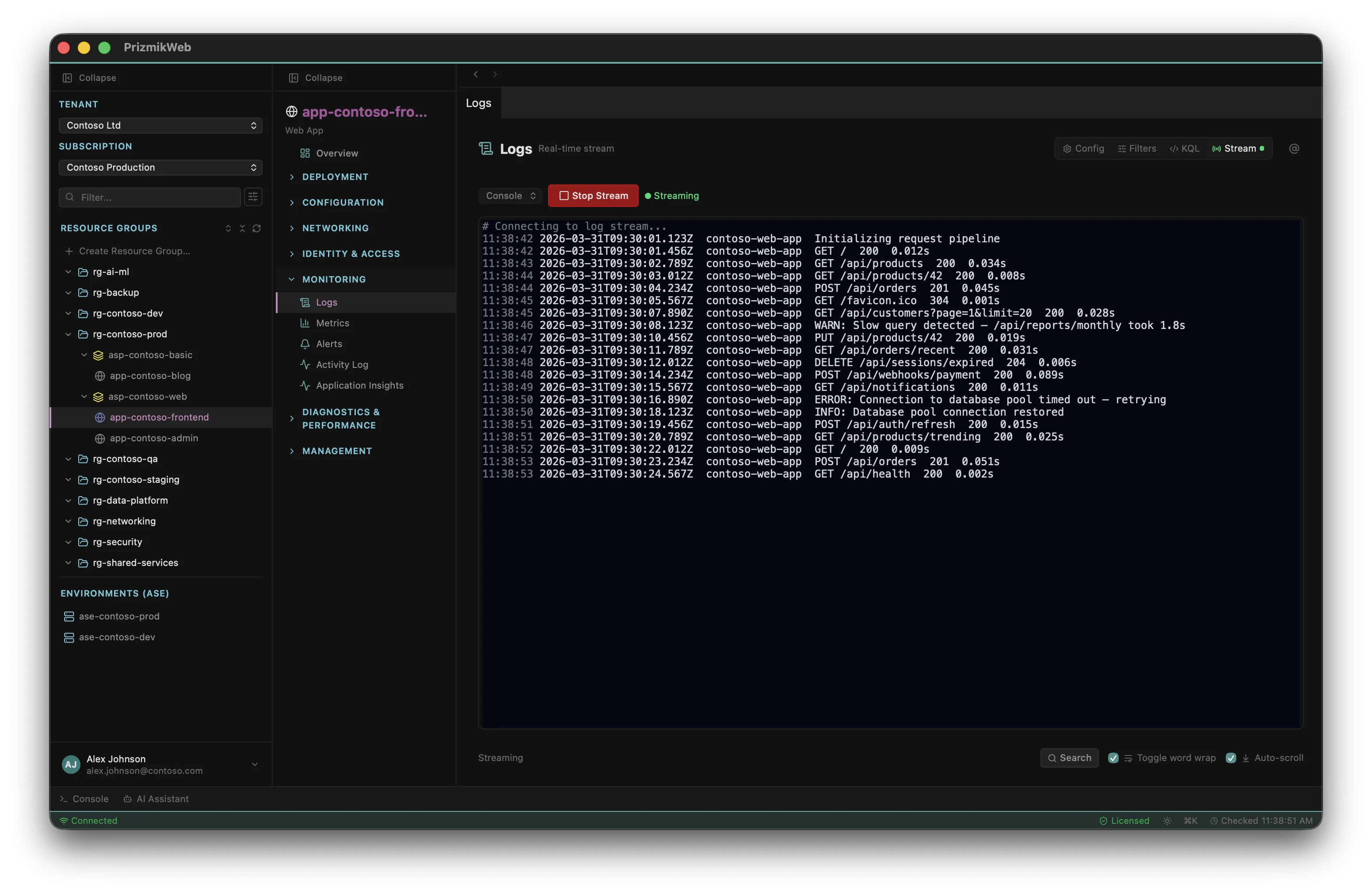
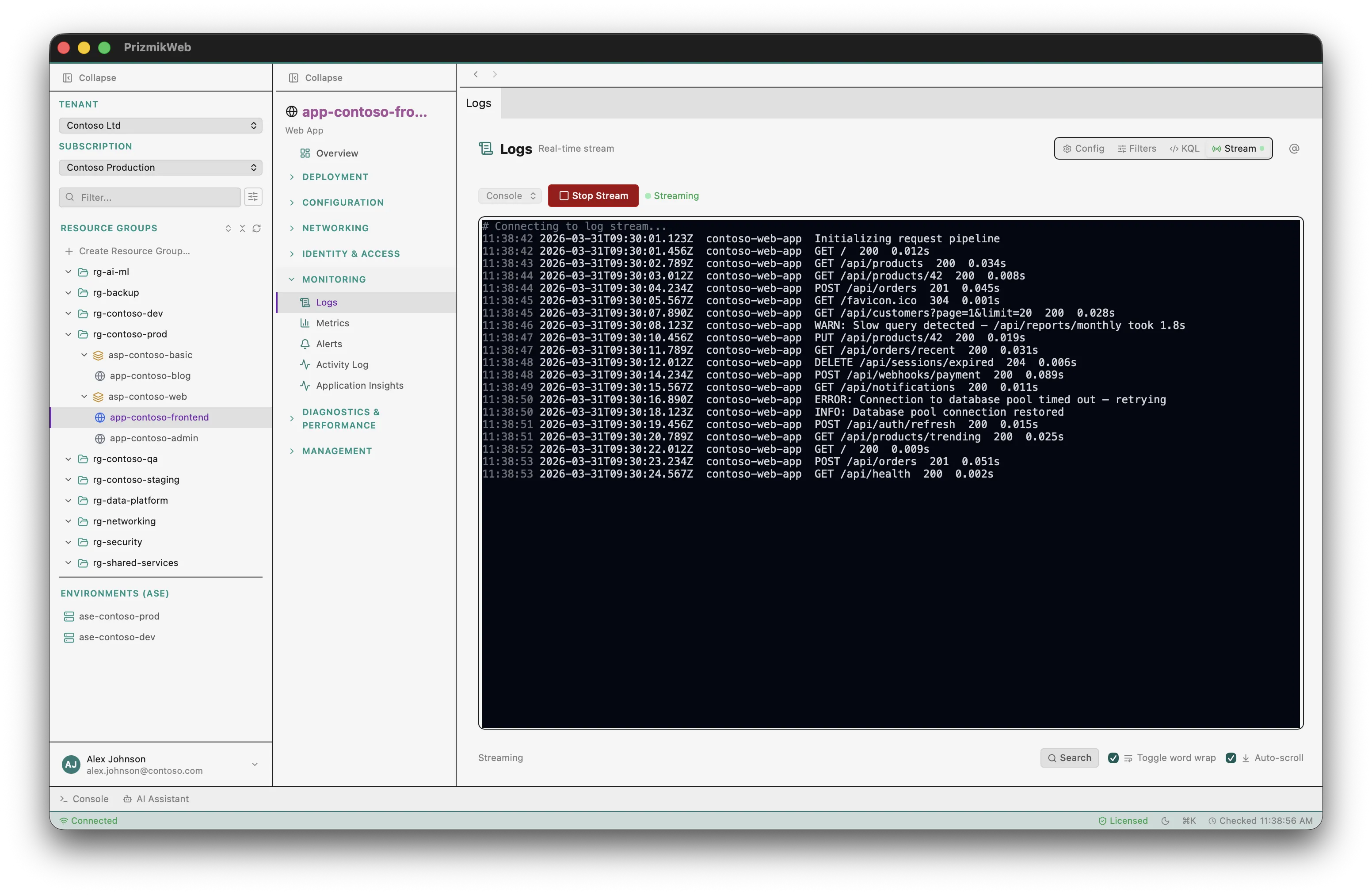
PrizmikWeb combines real-time log streaming, Log Analytics queries, and a raw KQL editor — all in a single panel. No more context-switching between the Portal's log stream, Log Analytics workspace, and Application Insights.
- Real-time log streaming with search and word-wrap
- KQL queries against AppServiceHTTPLogs and ConsoleLogs
- Export to TXT, JSON, or CSV
- Configure application and web server logging inline
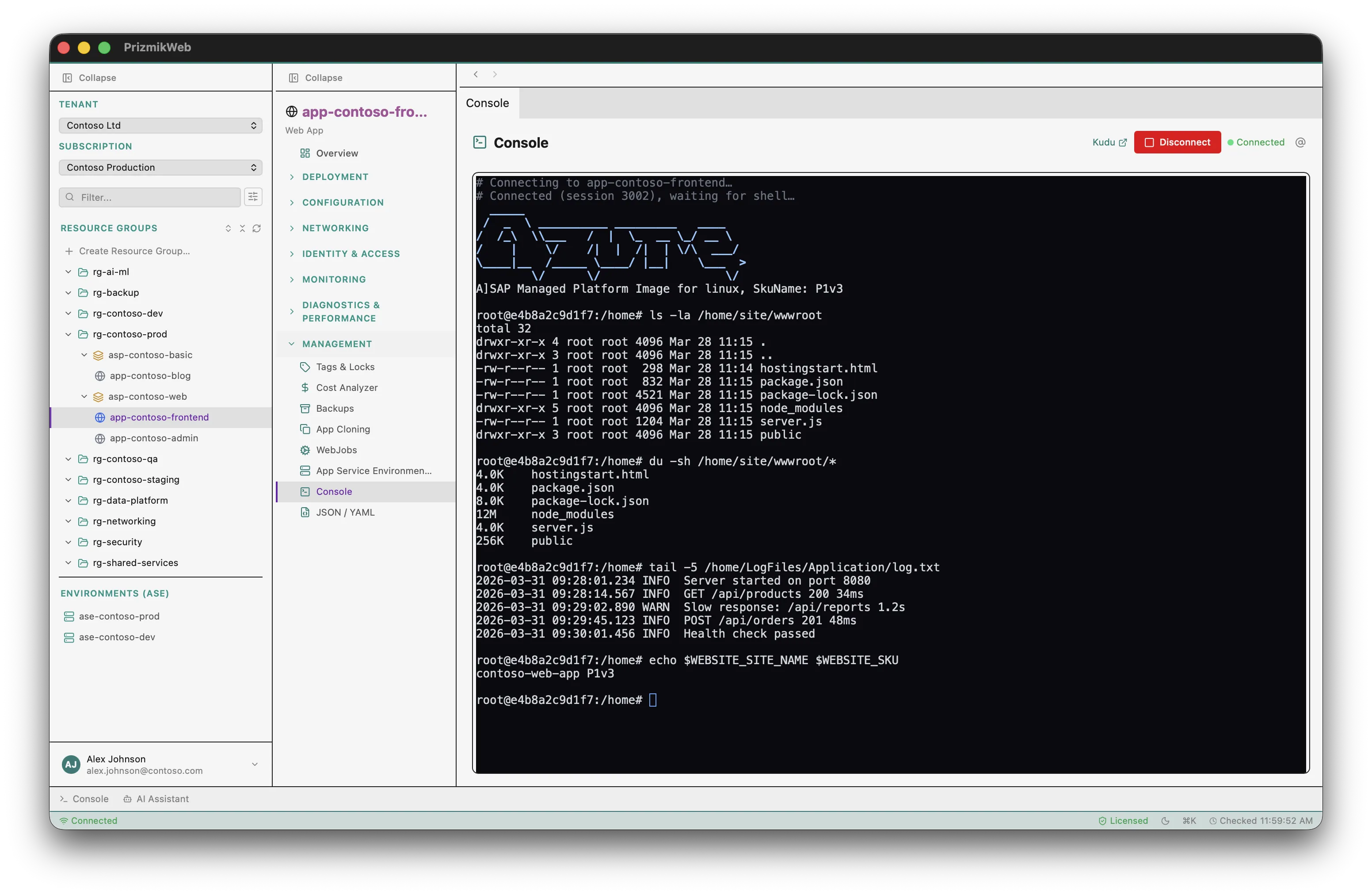
SSH into running
web apps
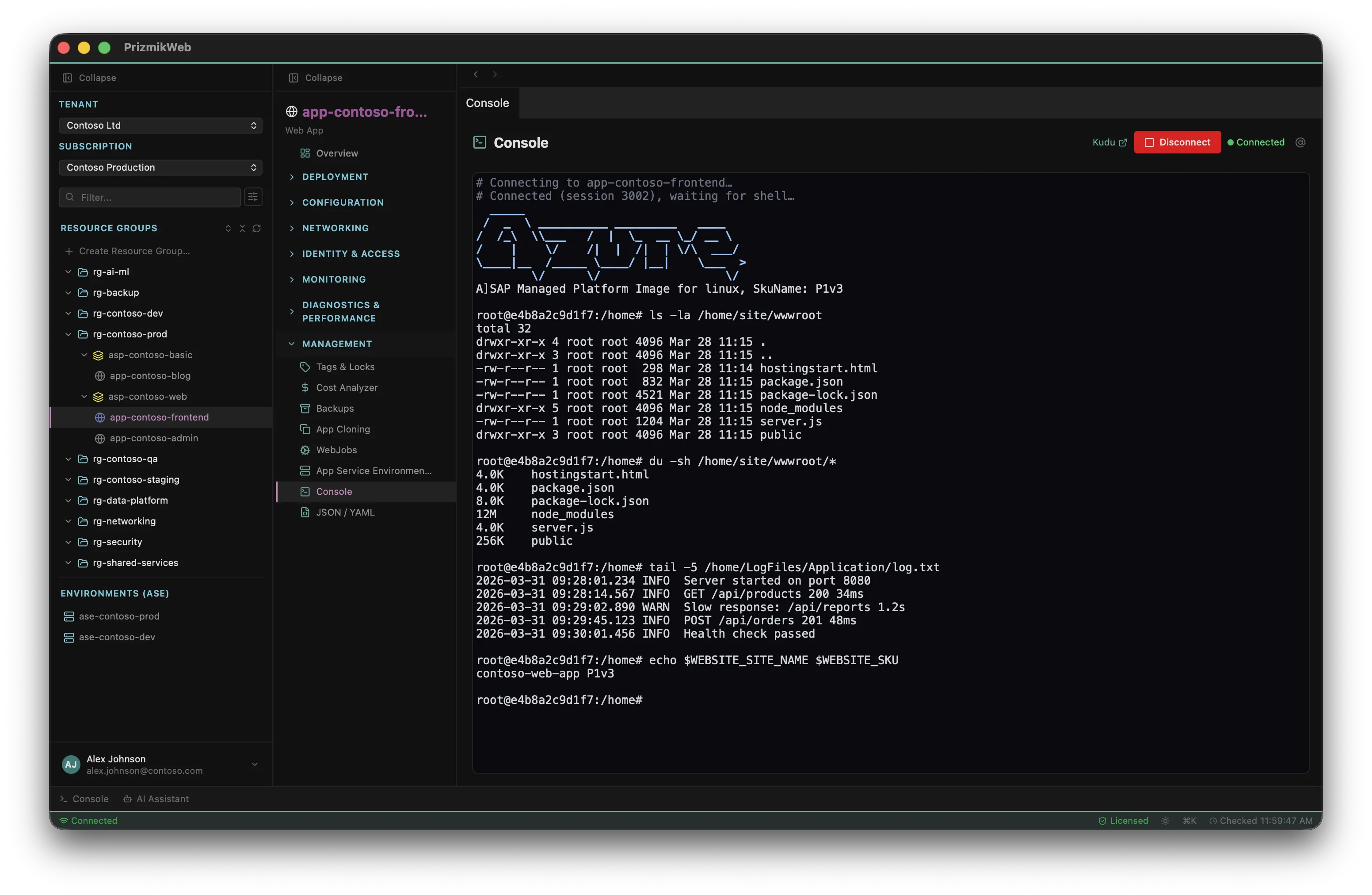
Need to inspect the runtime environment? PrizmikWeb gives you a full xterm.js SSH terminal for Linux web apps — connect directly without opening Kudu in a browser.
- Full interactive SSH terminal (xterm.js)
- SSH for Linux apps, Kudu link for Windows apps
- Search within terminal output
App settings, connection strings —
edit everything inline
No portal blades, no CLI flags. View and edit application settings, connection strings, general configuration, and more — all inline with instant feedback.
- Application settings & connection strings with reveal on demand
- General configuration — stack, platform, startup command
- Custom domains & SSL certificates
- Deployment slots with swap operations
- YAML / JSON resource editor
Identity, RBAC & networking —
unified in one panel
Enable managed identity, create RBAC role assignments, configure networking and access restrictions — without jumping between Portal blades.
- System & user-assigned managed identities
- Create & delete RBAC role assignments
- VNet integration & access restrictions
And much more
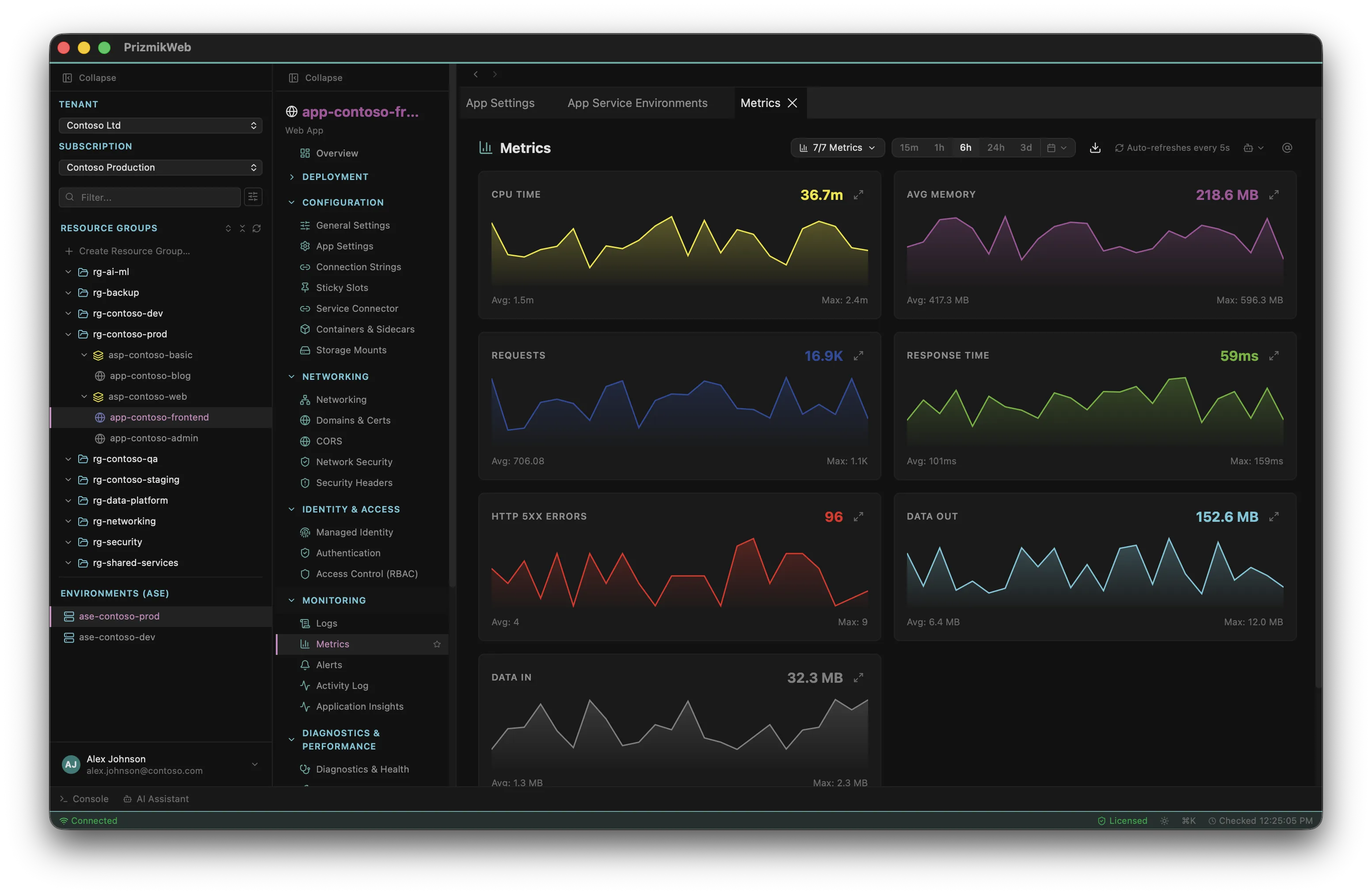
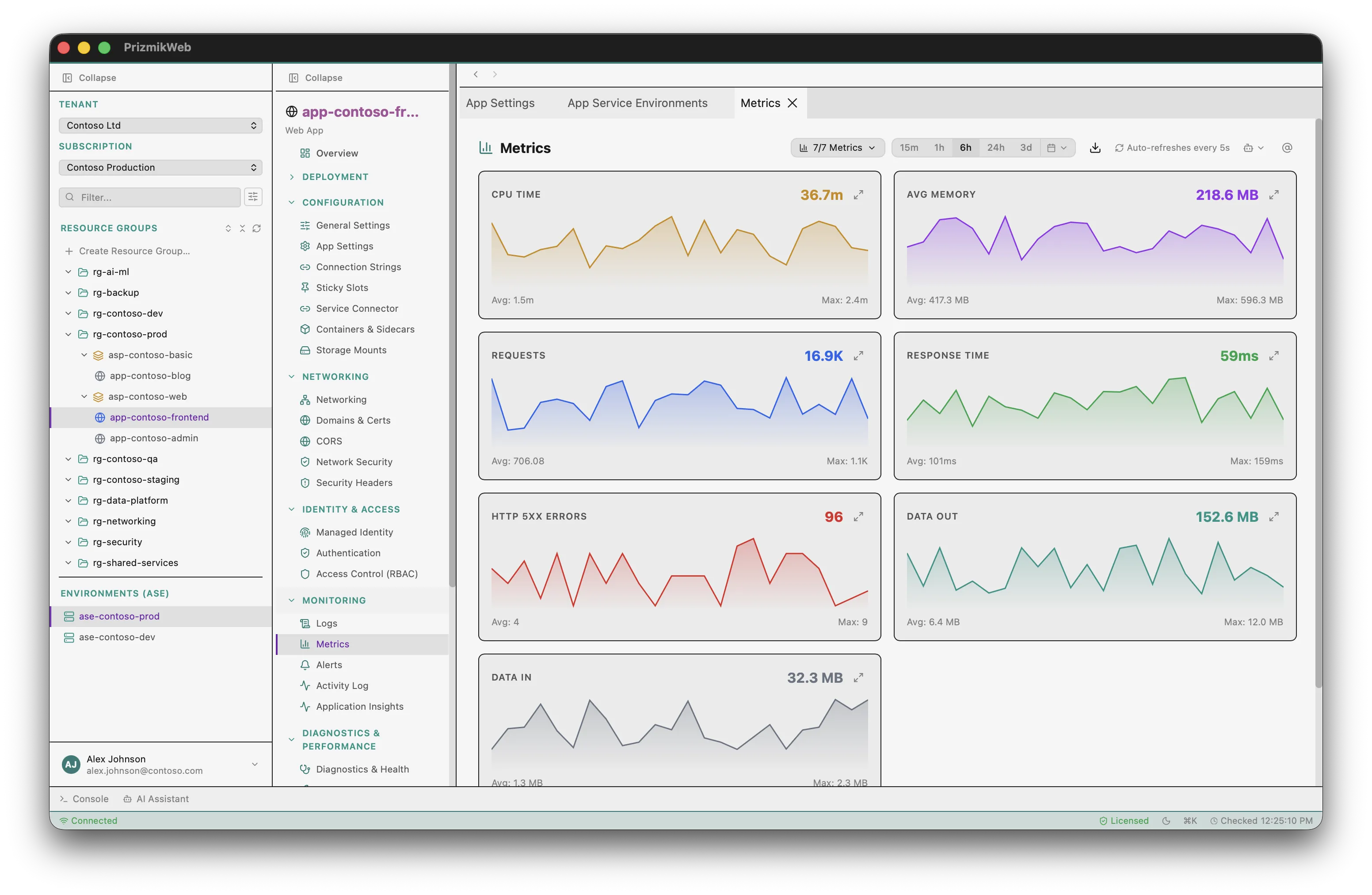
Metrics & Monitoring
CPU percentage, memory usage, request count, data I/O — real-time charts without leaving the app.
YAML / JSON Editor
View the full ARM resource definition with Monaco editor, export as Bicep, and download for infrastructure-as-code.
Deployment Slots
View, swap, and manage deployment slots. Blue-green deployments made easy.
Custom Domains & SSL
Manage custom hostnames, SSL bindings, and certificate status at a glance.
Deployment History
Browse deployment history, see commit details, status, and timestamps for every deployment.
5 Languages
Full i18n: English, German, French, Japanese, Chinese.
Up and running in 60 seconds
Install PrizmikWeb
Download the native app for your OS. No runtime dependencies beyond Azure CLI.
Sign in to Azure
PrizmikWeb uses your existing az login session. No extra credentials to manage.
Start Managing
Browse, configure, and debug — all keyboard-driven.
Simple, fair pricing
Free for personal, educational, and non-commercial use. One license per seat for commercial teams.
- All core features included
- Personal, educational, open-source & pre-revenue startups
- No time limits
- AI Assistant not included
- Everything in Community Edition
- AI Assistant (bring your own API key)
- Per seat — use on any platform
- All updates within the major version
* Net price. The final price including VAT will be calculated during checkout based on your country. Learn more about pricing and taxes.
Common questions
What is PrizmikWeb?
Is it free?
Does it support macOS, Windows, and Linux?
Does PrizmikWeb collect telemetry?
How does the AI assistant work?
What does "per seat" mean?
Do I need Azure CLI?
az login, and PrizmikWeb will use your existing permissions — no extra credentials needed.
Start managing your Azure App Servicein 60 seconds
Choose your platform and download. Free for personal, educational, and open-source use.
Requires Azure CLI to be installed and authenticated.